PixiJS v8 测试版!🎉


我们很高兴为你提供 PixiJS v8 的 2D 网络图形未来的独家预览。虽然尚未最终发布,但这个 Beta 版本充满了出色的性能提升和功能,我们迫不及待地希望你开始尝试!
🌐 We're thrilled to offer an exclusive preview of the future of 2D web graphics with the Beta release of PixiJS v8. Although not yet finalized, this Beta iteration is packed with killer performance improvements and features we're eager for you to start playing with!
在十年的时间里——是的,你没看错,十年!——我们对 PixiJS 引擎进行了重大改进。但是,这次新版本的进步是我们迄今为止取得的最重要的成果之一!
🌐 Over the course of a decade—yes, you read that right, ten years!—we've implemented significant changes to the PixiJS engine. But the advancements in this new release are among the most monumental we've ever made!
有两个驱动因素促使我们在 v8 中重新设计代码库和渲染管线的方法:
🌐 Two driving factors catalysed our approach to re-engineering the codebase and rendering pipeline in v8:
1. 😍 拥抱 WebGPU
🌐 1. 😍 Embracing WebGPU

新来的 WebGPU 相比其前身 WebGL 提供了显著的性能提升。它将网页计算和图形推向一个新的时代,提供了更高效、更强大的 API。不久,它将成为在网页上渲染大多数 GPU 驱动内容的首选方法。
🌐 The newcomer WebGPU offers a substantial performance improvement over its predecessor, WebGL. It propels web computations and graphics into a new era, providing a more efficient and robust API. Soon, it will be the go-to method for rendering most GPU-powered content on the web.
这一转变让人想起 PixiJS 的初次发布。那时,WebGL 是新的,仅在少数桌面浏览器中可用,而 Canvas 却无处不在。PixiJS 的突出特点是它能够首先尝试使用 WebGL 渲染,然后作为备选方案回退到 Canvas。这种方法使 PixiJS 内容在 WebGL 逐渐普及时能够立即受益。快进到今天,WebGL 现在已经在 95% 的浏览器 上可用。
🌐 This shift is reminiscent of PixiJS's initial launch. At that time, WebGL was new and only available in a handful of desktop browsers, while Canvas was ubiquitous. PixiJS's standout feature was its ability to first attempt rendering with WebGL and then fall back to Canvas as a Plan B. This approach allowed PixiJS content to immediately benefit as WebGL gained traction. Fast forward to today, and WebGL is now available on 95% of browsers.
历史正在 WebGPU 上重演,目前它仅在少数桌面浏览器中得到支持,市场份额大约为 27%。然而,它迟早会被普遍支持。PixiJS 的目标是执行相同的回退策略,让你始终能够利用可用的最佳技术,而无需重写代码。这正是版本 8 所实现的,并将保证我们接下来十年所做的一切都能适应未来 :D
🌐 History is repeating itself with WebGPU, currently supported in only a few desktop browsers and roughly 27% of the market. However, it's only a matter of time before it becomes universally supported. PixiJS aims to execute the same fallback strategy, allowing you to always leverage the best technology available without needing to rewrite your code. This is precisely what version 8 achieves and will future proof everything we make for another ten years :D
2. 🚀 性能加速
🌐 2. 🚀 Turbocharging Performance
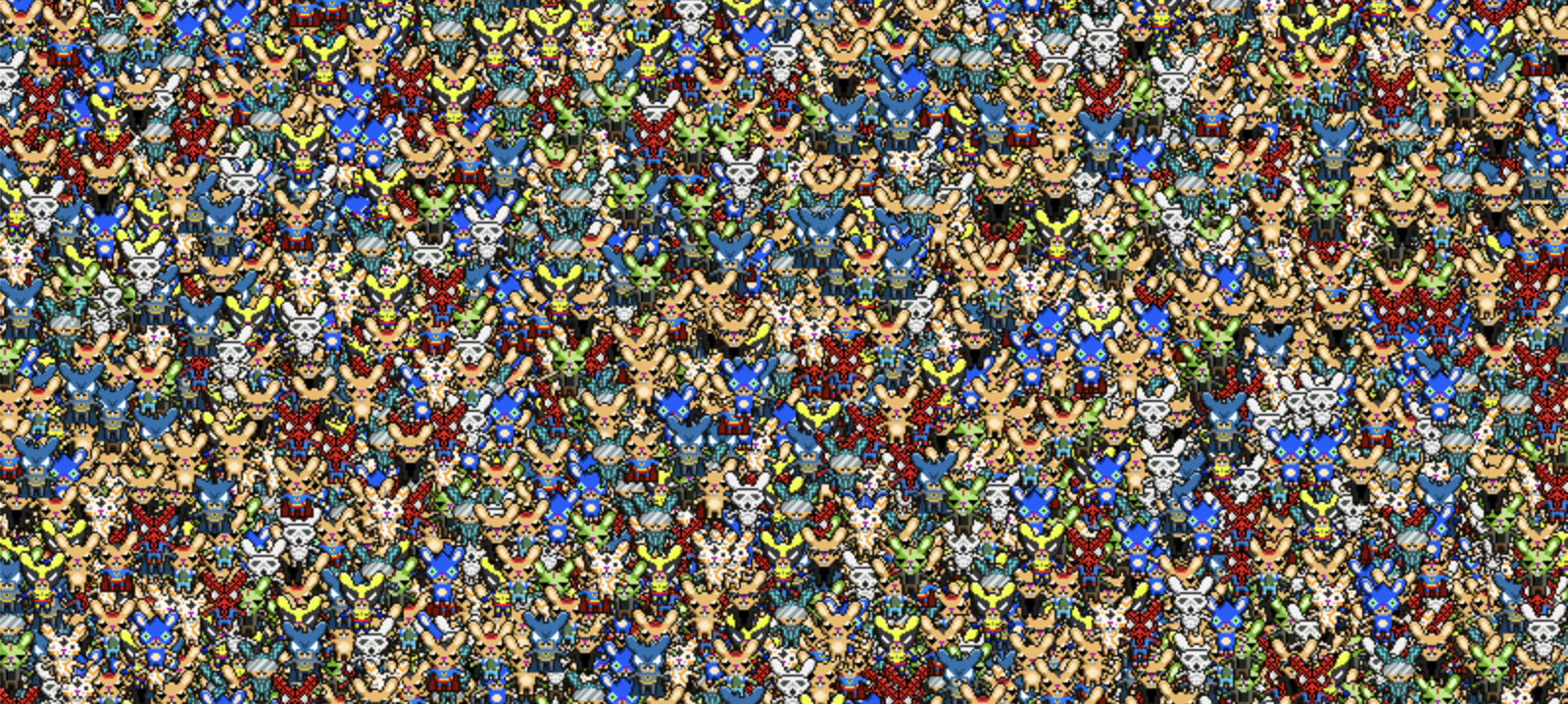
PixiJS 一直以速度和高性能图形著称。在 v8 中,我们重新审视了架构,以优化静态和动态渲染。虽然 v7 很快,但它作为一个渲染器有些“天真”。
🌐 PixiJS has always been synonymous with speed and high-performance graphics. With v8, we've revisited our architecture to optimize both static and dynamic rendering. While v7 is fast, it operates as a somewhat ‘naïve’ renderer.
v7 方法:
🌐 v7 approach:
- 遍历场景图,并确保所有变换都是正确的
- 第二次遍历场景图并执行以下操作
- 构建批次以进行渲染
- 将数据上传到GPU
- 将批次绘制到屏幕上。
v8 方法
🌐 v8 approach
- 仅更新发生变化的对象的变换
- 遍历场景图并构建一组指令。
- 一次性将所有场景数据上传到 GPU。
- 根据指示执行渲染。
这个循环有三个关键变化,给我们带来了性能提升。
🌐 There are three key changes to this loop that give us a performance bump.
- 首先,我们只更新已更改的元素。如果没有任何内容移动,则不会执行任何代码,从而优化计算开销。
- 其次,如果场景图在随后的帧中保持不变,我们将重用现有的渲染指令。这避免了为每一帧重新构建这些指令的开销。
- 第三,如果场景中的元素位置没有变化,数据上传步骤(步骤3)将完全跳过,从而节省带宽并进一步减少计算工作量。
这些改进的净效果?在不同的使用场景中都有相当不错的性能提升:
🌐 The net effect of these improvements? A decent performance leap across varying use-cases:
CPU = CPU 渲染单帧所花费的时间 GPU = GPU 渲染单帧所花费的时间
| 兔子情况 | V7 CPU | V8 CPU | CPU 差异 | V7 GPU | V8 GPU | GPU 差异 |
|---|---|---|---|---|---|---|
| 10万精灵全部移动 | ~50毫秒 | ~15毫秒 | 233% | ~9毫秒 | ~2毫秒 | 350% |
| 10万精灵不移动 | ~21毫秒 | ~0.12毫秒 | 17417% | ~9毫秒 | ~0.5毫秒 | 1700% |
| 10万精灵(更改场景结构) | ~50毫秒 | ~24毫秒 | 108% | ~9毫秒 | ~2毫秒 | 350% |
这些基准数值是基于你可以自己尝试的这个Bunnymark测试得出的!
🌐 These benchmark numbers are based on this Bunnymark test that you can try yourself!
请玩一下,你可以调整网址中的参数来改变兔子的数量。很好奇大家得到的数字是多少!
🌐 Please have a play, you can fiddle with the parameters in the url to change the number of bunnies. Curious to see what numbers all of you get!
最重要的是,这些改进适用于 WebGPU 和 WebGL 渲染器。像所有 PixiJs 的花招一样,这一切都是自动发生的 :D
🌐 Best of all, these improvements apply to WebGPU and the WebGL renderer. As with all of PixiJs’s party tricks, this all happens automatically :D
等等,还有更多!
🌐 But Wait, There's More!
虽然促成这次全面改造的两个关键因素是性能和可用性,但我们并没有止步于此。我们抓住这个机会来增强 API,并为引擎引入了大量新功能——多到无法在一篇文章中全部概述!
🌐 While the two key drivers behind this overhaul were performance and usability, we didn't stop there. We've seized this opportunity to enhance the API and introduce a plethora of new features to the engine—far too many to encapsulate in a single post!
敬请关注即将发布的博客文章,我们将在其中深入探讨这些额外改进和 API 优化,助你创建更加出色的项目。有关新功能的全面概览,请不要遗漏 发行说明。
🌐 Stay tuned for upcoming blog posts where we'll delve deeper into these additional improvements and API refinements, empowering you to create even more remarkable projects. For a comprehensive overview of what's new, don't miss the release notes.
作为一个重要的说明,尽管 PixiJS v8 进行了重大内部更新,但它仍保留了许多熟悉的 API。我们的更改旨在使 PixiJS 更加稳健和用户友好。当你遇到修改时,请放心,v7 的方法将继续有效——你只会看到一条弃用警告,指导你采用最佳实践。
🌐 As a crucial note, PixiJS v8 retains much of the familiar API despite undergoing significant internal updates. Our changes are geared toward making PixiJS more robust and user-friendly. When you encounter modifications, rest assured that the v7 methodology will continue to work—you'll simply see a deprecation warning, guiding you towards optimal practices.
轮到你了!
🌐 Over to you!
随着我们向发布候选版本迈进,现在是你深入探索 v8 的绝佳时机。在这个阶段,你的反馈对于微调我们的引擎至关重要。我们邀请你分享你的想法——无论是好的、坏的还是丑的——报告错误,甚至贡献代码。通过共同努力,我们可以将 PixiJS 提升到前所未有的高度。
🌐 As we progress toward the release candidate, now is the perfect time for you to dive in and explore v8. Your feedback at this stage is invaluable for fine-tuning our engine. We invite you to share your thoughts—the good, the bad, and the ugly—report bugs, and even contribute code. Together, we can elevate PixiJS to unprecedented heights.
👇 不要等待——直接开始吧! 在 GitHub 上探索 PixiJS v8 代码库
安装步骤:
🌐 Steps to install:
通过 npm,你可以像这样安装测试版:
🌐 via npm you can install the beta version like so:
npm install pixi.js@prerelease-v8
然后你可以使用新的 autoDetectRenderer 函数创建最合适的渲染器:
🌐 then you can create the most appropriate renderer using the new autoDetectRenderer function:
import { autoDetectRenderer } from "pixi.js";

async function init()
{
  const renderer = await autoDetectRenderer({
    // any settings
  }); // will return a WebGL or WebGPU renderer
}
今天就开始尝试 PixiJS v8 测试版,加入我们,共同塑造 2D 网络图形的未来!🎉
🌐 Start experimenting with PixiJS v8 Beta today and join us in shaping the future of 2D web graphics! 🎉
保持联系!
🌐 Keep in touch!
为了保持信息同步,我们邀请你在社交媒体上关注 Doormat23 和 PixiJS,我们将在那里很快发布更多令人兴奋的更新。或者,你也可以加入我们活跃的 Discord 社区,进行直接互动和实时交流。